ChatGPT plugin
Use Schedule of Reductions (SOR) in ChatGPT
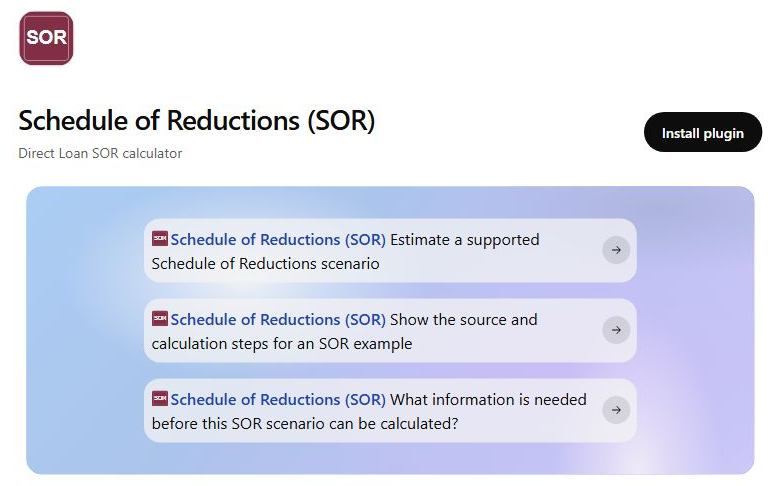
Use Schedule of Reductions (SOR) in ChatGPT to explore supported Direct Loan reduction scenarios, see the calculation steps, and learn which facts are still needed. Estimates are not awards. Your school must verify final eligibility.
Install in ChatGPTGet started
- 1
Open the listing. Select Install in ChatGPT above, then select Install plugin on the ChatGPT page. You may need to sign in.
- 2
Ask about a scenario. Start a new chat and describe the loan period, grade level, and credits per term. For example: "Use Schedule of Reductions (SOR) to estimate my Direct Loan limits. I am a dependent first-year student taking 6 credits in fall and 9 in spring."
- 3
Review the answer. Check the calculation steps, answer any follow-up questions, and confirm the result with your financial aid office.
Independently developed. Not endorsed by the U.S. Department of Education. The plugin uses the same public calculation engine as this site and does not change school records. Availability depends on your ChatGPT account.
See it in use
Short, silent recordings using public example scenarios. Results are estimates, not financial aid awards.
ChatGPT walkthrough
Calculation, scenario comparison, and a case that needs more information.
Mobile guide preview
Mobile website navigation and install guide, not a ChatGPT app recording.
Remote MCP
Other MCP clients
Project SOR is a source-backed Schedule of Reductions calculation engine available through Excel, the web, a REST API, and a remote MCP server. The same tested engine supports detailed staff workflows, student-friendly estimates, AI-assisted scenario intake and scenario comparison. Historical V55 versus V56 migration review remains available on the website, not as a public MCP tool.
View sourceConnect to https://sor.myproduct.life/mcp. Availability and connection steps depend on the client and account.
Add https://sor.myproduct.life/mcp as a remote MCP server in a client that supports custom MCP connections.
Include award year, program level, grade level, dependency, loan-period scope, academic-year structure, credits, need, COA, other aid, and paid history when relevant.
The server returns gross eligibility, net display amounts, calculation stages, warnings, modeled checks, external checks, release metadata, and public citations. It also supports compare_sor for two complete cases and advanced_student_estimate for institution-specific projections.
The calculator does not invent required facts or silently use demonstration defaults. An incomplete request returns the exact missing inputs and a short list of follow-up questions. The AI client can ask for those facts and call the tool again. Streamable HTTP clients should send Accept: application/json, text/event-stream and retain the session identifier returned during initialization. Parent PLUS aggregate usage and remaining eligibility remain school-side checks.
Good fit
- Staff scenario intake and explanation
- Fixture replay and implementation comparison
- Plain-language walkthroughs of modeled results
- Compare two complete scenarios with
compare_sor - Run an institution-specific projection with
advanced_student_estimate
Still requires school review
- NSLDS aggregate and lifetime eligibility
- COD origination and disbursement processing
- R2T4, traditional proration, and institution-specific policy
- Final award, posting, refund, and compliance decisions
Project SOR is independent decision support. It is not an official Department of Education publication, Department endorsement, or a substitute for current federal guidance and school review.
Student estimate